Business system / SaaS
FiskalTrack: scan a fiscal receipt's QR code, get a tidy, categorized expense
- Client / product
FiskalTrack - Industry
- Personal and business finance
- Solution type
- Mobile app (Android, iOS) and web
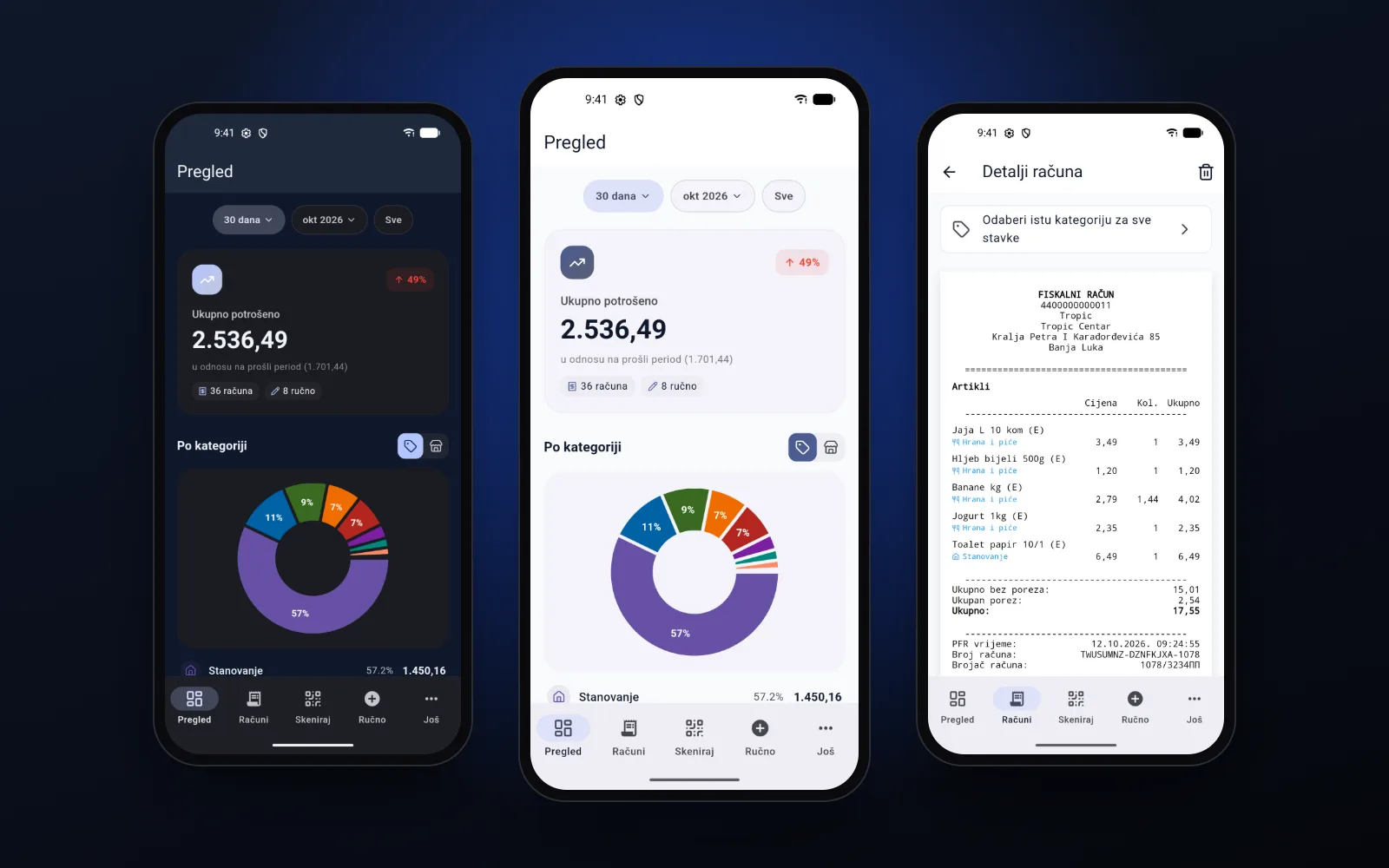
Spending overview in dark and light theme. Screenshots show demo data.
Challenge
Solution
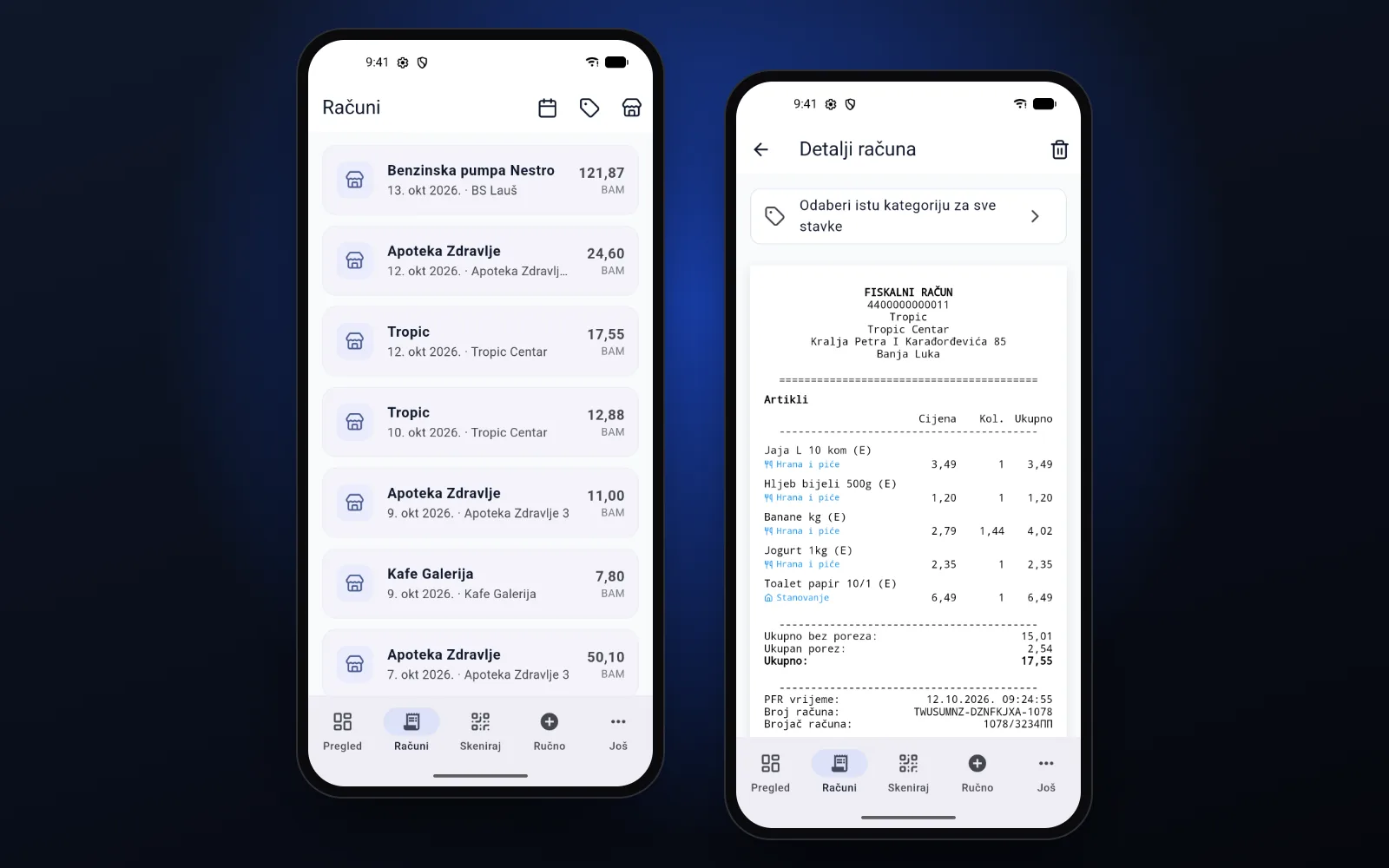
QR code and AI scanner
Point the camera at the receipt's QR code and within seconds you get the store, items, quantities, prices and taxes — ready to categorize. For receipts from other countries, an AI scanner reads the same data from a photo of the receipt. 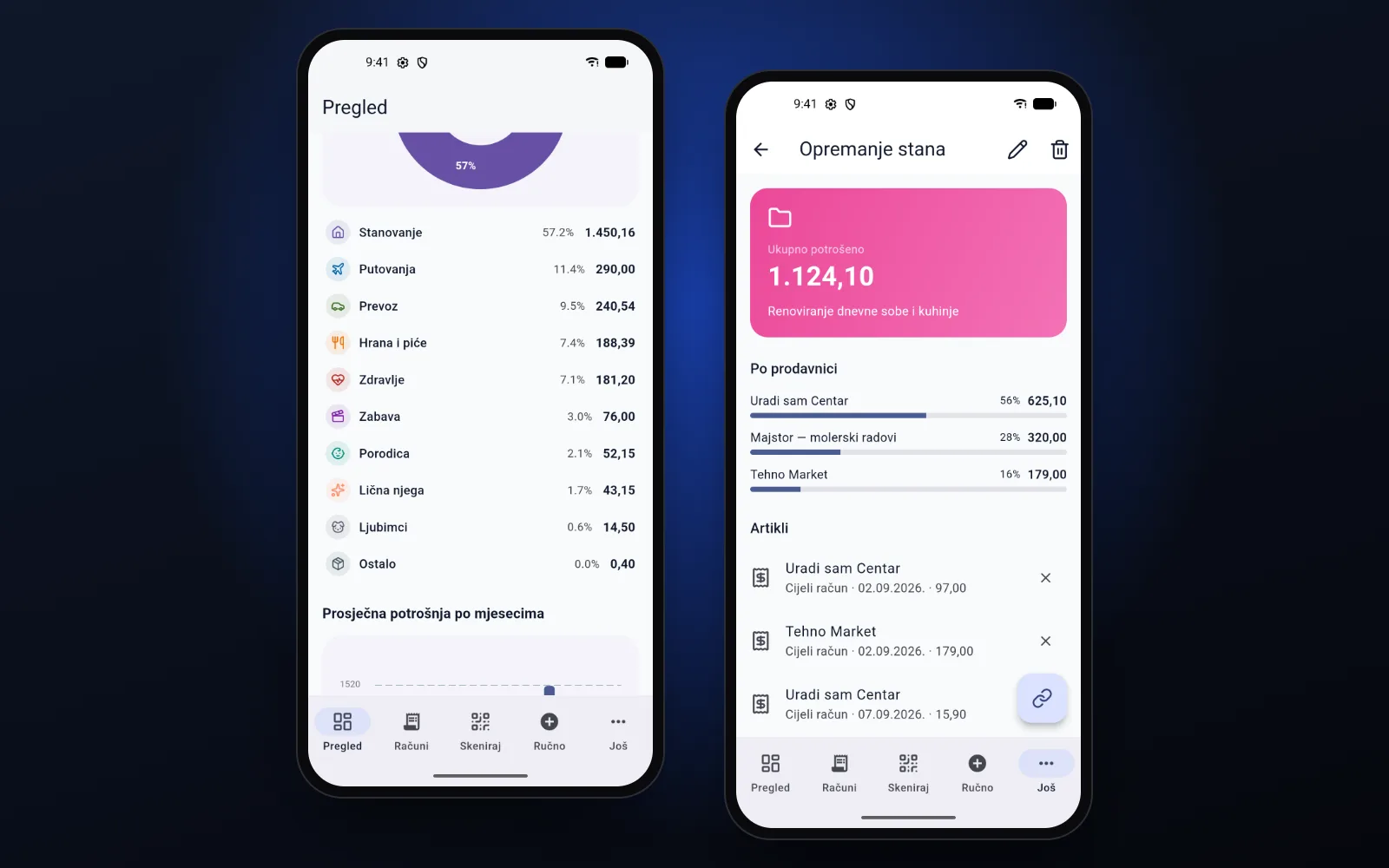
Overviews and projects
Totals by day, category and store for 7 days, 30 days, a year or all time. Expenses can be grouped into projects, such as a trip or furnishing a flat. 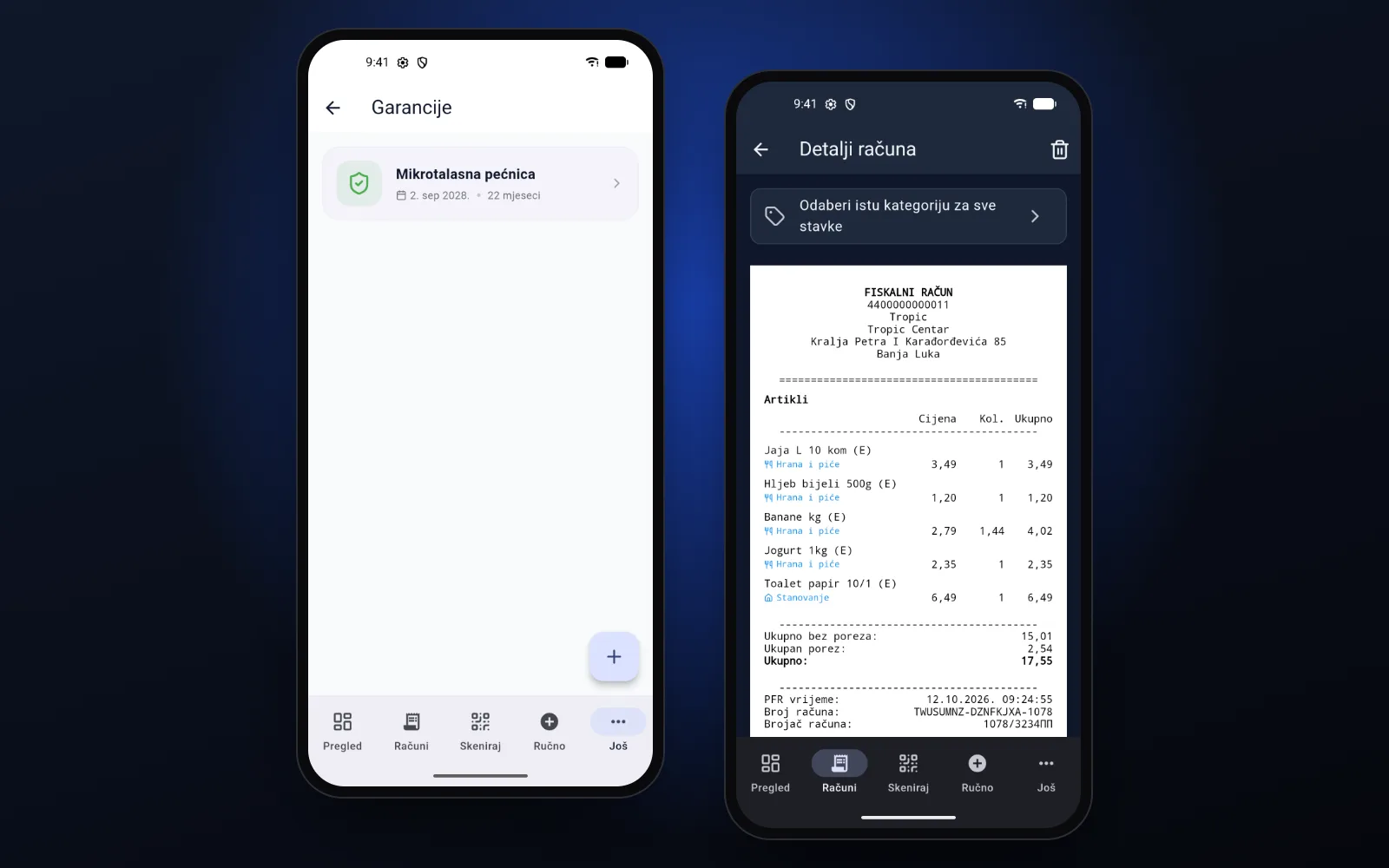
Warranties
Purchase date and warranty length are linked to the exact item on the receipt, so you can see what's still covered and for how long. 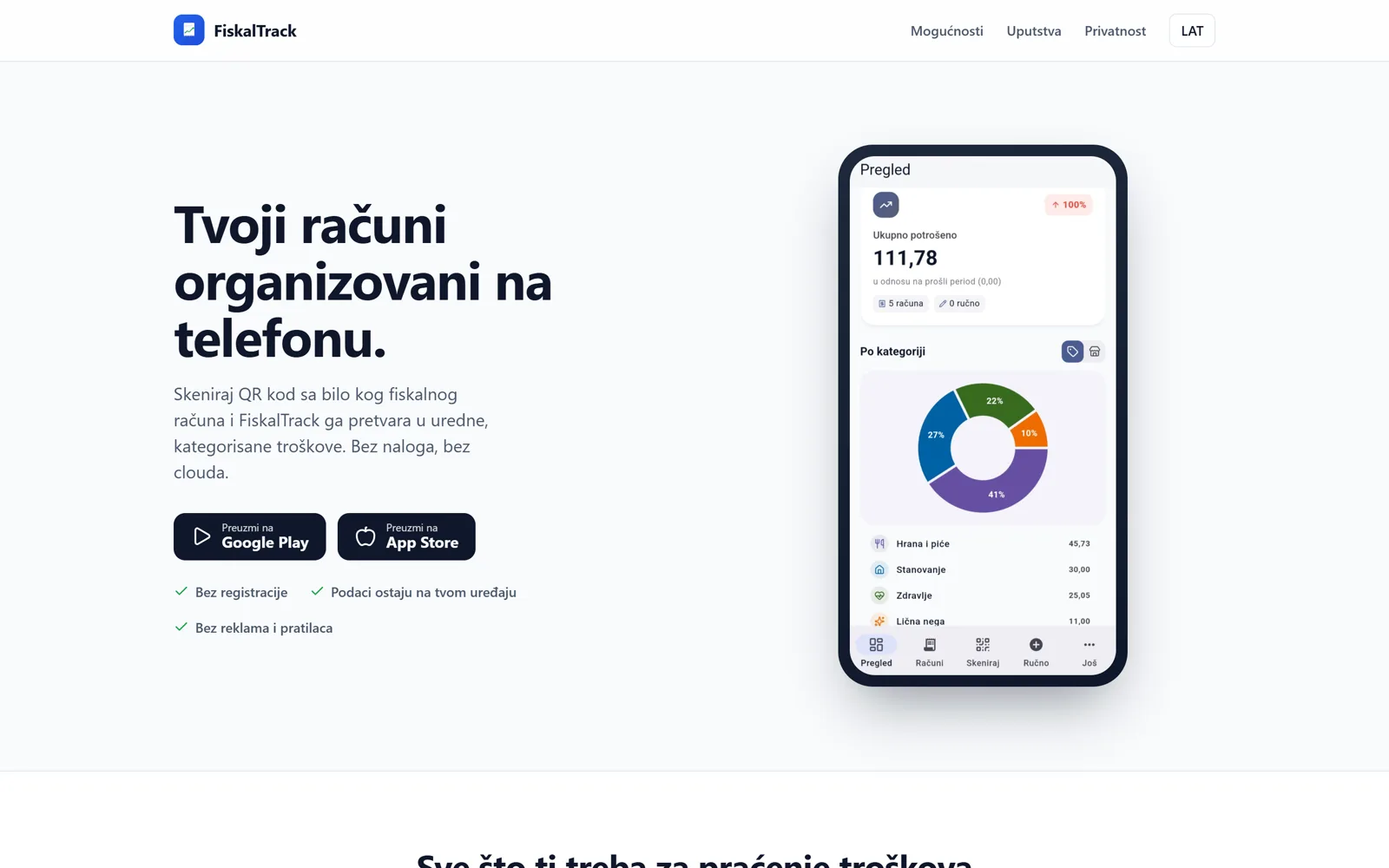
Privacy and organizations
No sign-up: receipts are stored locally and encrypted on the device. With an optional account, a family or a company shares expenses, and the administrator sees the totals in the app and on the web.
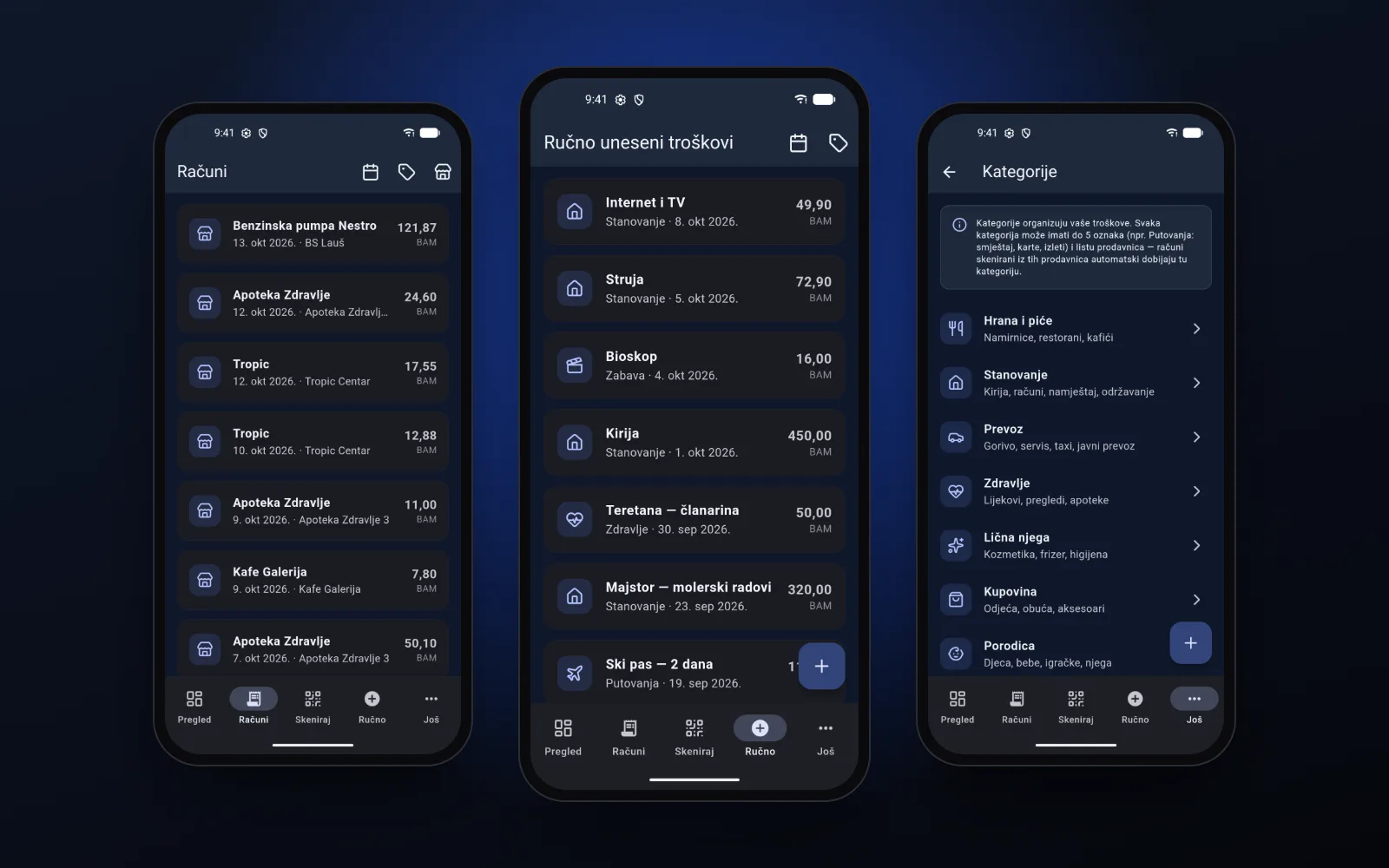
More screens
Result
Have a similar problem?
Describe it — we'll propose a solution. We reply within 24 hours on business days.
or write to
Other projects
All projects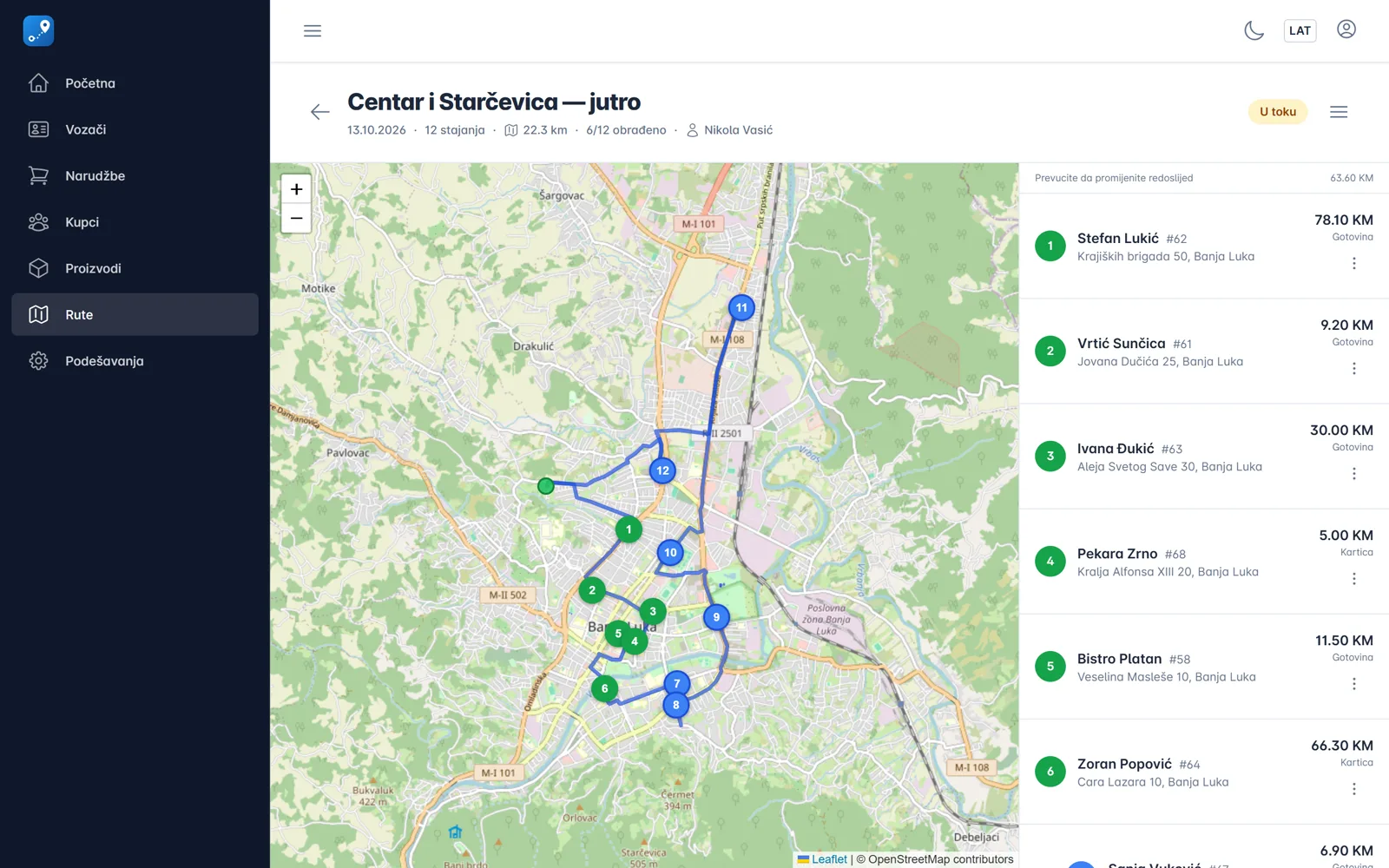
Business system / SaaS
OrdersToRoute
Planning deliveries from order slips and phone calls breaks down on a day with 40 stops and one van.
Business system / SaaS
ClubOS
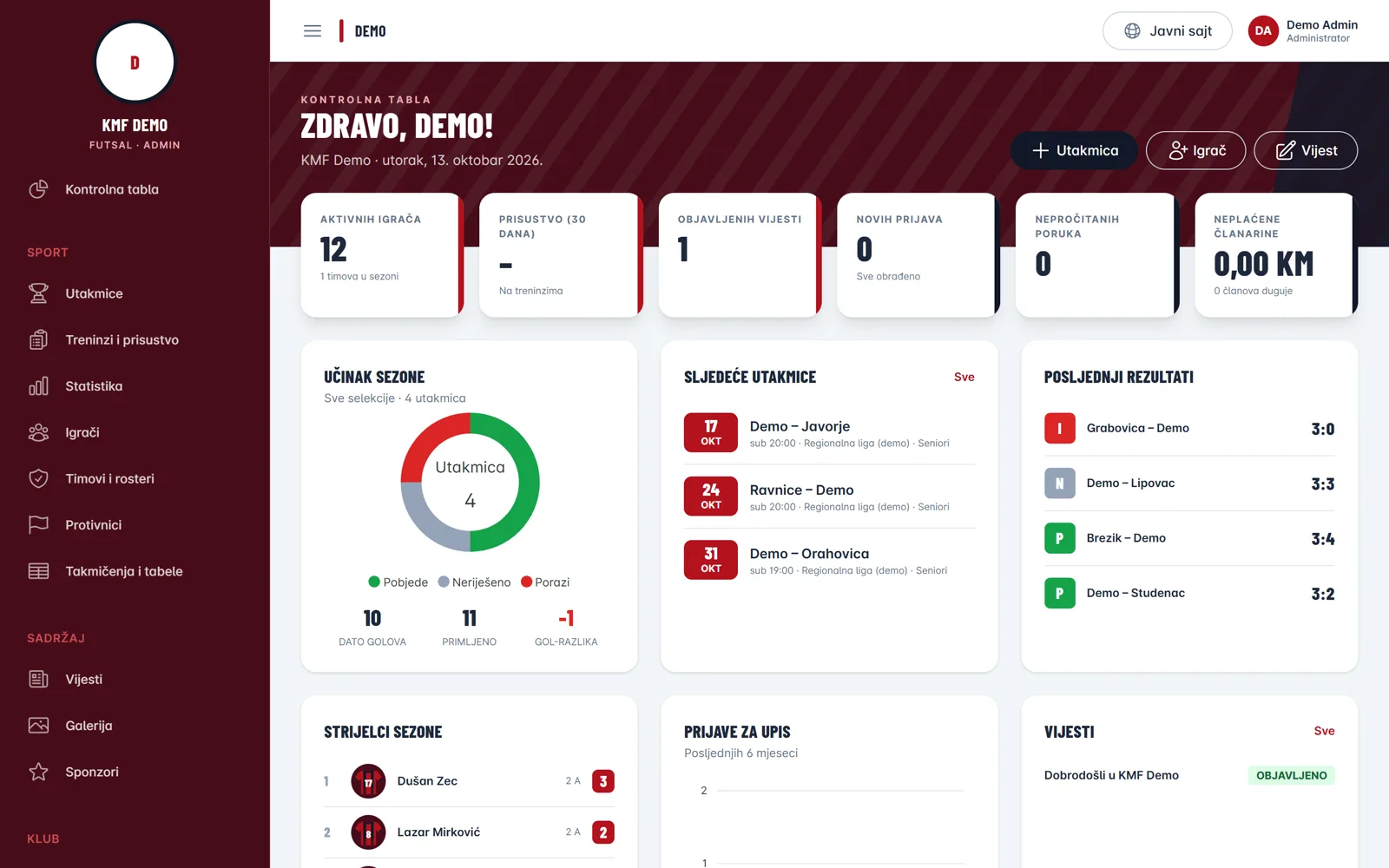
A sports club needs a public website and an internal tool to run the club — in one place.